添加应用
本章节演示如何添加一个名为
helloworld
的 LVGL 应用,来实现以下功能:
添加 APP 选项
在 application/Kconfig
中,添加以下代码:
config AIC_LVGL_METER_DEMO
    bool "LVGL demo of meter"

config AIC_LVGL_HELLOWORLD_DEMO          # 添加 AIC_LVGL_HELLOWORLD_DEMO,以便在 menuconfig 菜单中选择
    bool "LVGL demo of helloworld"

config AIC_LVGL_LAUNCHER_DEMO
    bool "LVGL launcher demo"
配置 APP
使用
me 进入配置菜单,选择新添加的
helloworld_demo
并保存:Application options --->
[*] ArtInChip LVGL demo --->
select LVGL demo (LVGL demo of test) --->
( ) LVGL demo with basic function
( ) LVGL demo of meter
(X) LVGL demo of helloworld
( ) LVGL launcher demo源码适配
源代码
- 下载完整源码包 ../../../downloads/helloworld_demo.zip。
- 将源码解压缩至 packages/artinchip/lvgl-ui/aic_demo 目录下,文件结构为:
tree -h. └── [4.0K] helloworld_demo ├── [4.0K] assets │ └── [ 0] readme.txt # 该文件用于验证资源打包,本身为空文件 ├── [ 571] SConscript ├── [4.0K] thread │ ├── [1.0K] test_thread.c │ └── [ 211] test_thread.h └── [4.0K] ui ├── [1.3K] helloworld_ui.c └── [ 228] helloworld_ui.h - SConscript 更改 根据实际项目路径修改
helloworld_demo中的 SConscript,解析如下:from building import * import os cwd = GetCurrentDir() group = [] src = Glob('*.c') # 源文件路径 src += Glob('./ui/*.c') src += Glob('./thread/*.c') CPPPATH = [cwd] # 头文件路径 CPPPATH.append(cwd + './ui') CPPPATH.append(cwd + './thread') list = os.listdir(cwd) for d in list: path = os.path.join(cwd, d) if os.path.isfile(os.path.join(path, 'SConscript')): group = group + SConscript(os.path.join(d, 'SConscript')) # 资源安装的目标路径 ins_dst='rodata/lvgl_data' # 资源安装的源路径为当前 SConscript 所在路径的相对路径 ins_src = 'assets/' install = [(ins_src, ins_dst)] # AIC_LVGL_TEST_DEMO 宏需要与 application/Kconfig 中添加的宏一致 group = group + DefineGroup('LVGL-port', src, depend = ['AIC_LVGL_HELLOWORLD_DEMO'], CPPPATH = CPPPATH, INSTALL = install) Return('group')
对接 LVGL 框架
SDK 中,已经融合了 LVGL 库并与 2D 硬件加速接口、图片硬件解码模块、触控等进行了对接,因此用户只需要将 UI 部分的功能接入即可。
在 packages/artinchip/lvgl-ui/aic_ui.c
中,添加:
/*
* Copyright (C) 2022-2025 ArtinChip Technology Co., Ltd.
* Authors:  Ning Fang <ning.fang@artinchip.com>
*/

#include "lvgl.h"
#include "aic_ui.h"
#include "aic_osal.h"

void aic_ui_init()
{
#if defined(AIC_LVGL_MUSIC_DEMO)
    lv_demo_music();
#elif defined(AIC_LVGL_DEMO_BENCHMARK)
    lv_demo_benchmark();
#elif defined(AIC_LVGL_DEMO_WIDGETS)
    lv_demo_widgets();
#else
    // 应用的入口函数
    extern void ui_init(void);
    ui_init();
#endif

    return;
}
效果展示
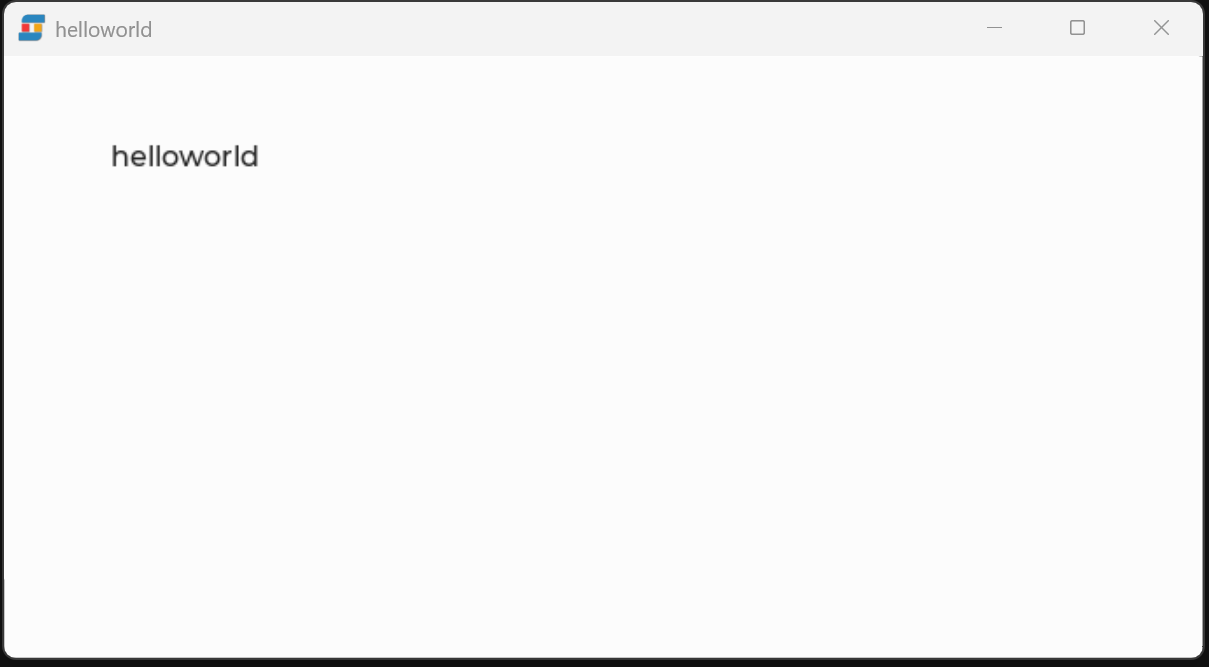
编译、烧录后,显示效果如下图: